Back to the resource
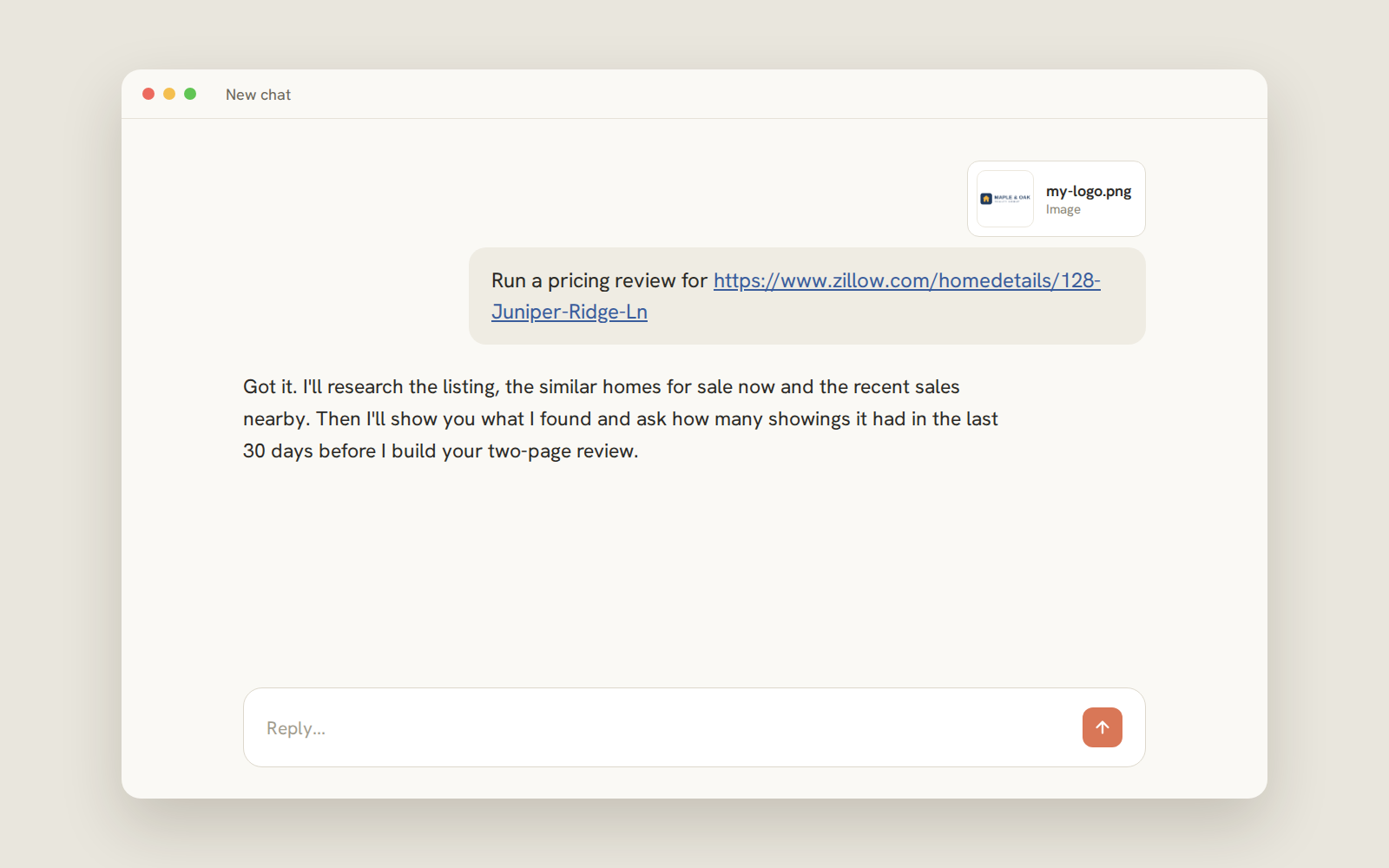
Example chat with the skill attached.
Seller Pricing Review
Add your skill to Claude
Download the skill, add it to Claude, then run your pricing review.
What the skill does
Get a two page document with supporting data you can put in front of a seller to justify a price reduction.
- Recent sales and current listings near the home
- A recommended price with the reasoning behind it
- What your seller keeps from four pricing options
- Two pages, your logo, ready to print or email
- 1
- 2
Open Settings
Click your name at the bottom left, then Settings.
- 3
Choose Skills
Select Skills, then add a skill.
- 4
Upload your file
Choose seller-pricing-review.skill and save. Don’t rename or unzip it.
- 5
Start a new chat
Provide your Zillow link, upload your logo and say: “Run a pricing review.”
To run your skill
Get your Zillow link, upload your logo and just say: “Run a pricing review.” Once you provide the info, it will automatically trigger the skill.